
Learning has stepped out of the classroom. A student with a phone, tablet, or laptop can now use educational apps to learn almost anything, from a tricky maths chapter to better spoken English. These learning apps make studying more flexible, interactive, and easier to get started with, allowing students to learn at their own pace and explore new skills anytime, anywhere.
But picking the right app isn’t simple. Some are built for school students, others for competitive exams, languages, science, or practical skills. Many are free to start, then lock the useful bits behind a subscription. With so many options, students and parents both need a way to figure out which ones are actually worth the storage space.
Choosing a good educational app in 2026 comes down to your learning needs, your study habits, and your budget. A good one makes hard topics easier to understand. A bad one just adds another distraction to a day that already has plenty.
Why Are Educational Apps So Popular With Students?

A big reason is freedom. Nobody gets every topic the first time the teacher explains it. With an app, you can replay the lesson, pause the video, jot down notes, and practise questions at your own speed.
Picture a student stuck on fractions. Instead of waiting for the next class, they can watch a simple explanation, solve a few practice questions, and check the answers right away.
Apps also help students make use of spare time. Even a 15-minute session can be productive if it’s about one specific subject or skill. And many apps come with quizzes, progress reports, interactive lessons, and practice tests, which make studying more interesting and show students exactly where they need work.
1. Figure Out What You Need First
Before you download anything, ask yourself what you actually want to learn. Every student has different needs, so an app that works brilliantly for your friend might do nothing for you. Some students need help with school subjects, others are preparing for competitive exams, and some just want better communication skills.
A Class 8 student might need a maths and science app. A college student may prefer a platform with programming courses, business lessons, or career skills. Write down your learning goals first. It stops you from installing five apps that all teach the same thing.
Match the app to your level
Check that the app’s lessons fit your current education level. Beginners need simple explanations, while advanced learners want detailed lessons and tougher exercises. The right app should build your knowledge step by step, without making every lesson feel like a struggle.
2. Look at the Quality of the Content
Good content matters far more than a pretty design. An app can have colourful graphics and cute animations and still teach badly.
Try a few sample lessons before committing. Are the explanations clear? Is the information accurate? Are the examples easy to follow? Also look for study material that gets updated regularly, especially for subjects like technology, science, and current affairs, where information goes out of date quickly.
Look for different learning formats
Not everyone learns well from long paragraphs. Some people understand better through videos, others through diagrams, audio, or practical examples. A useful app may include:
- Video lessons for difficult topics
- Reading material for revision
- Quizzes to test your knowledge
- Practice exercises to improve accuracy
- Downloadable notes for offline study
When a topic is explained in more than one way, it’s much easier to grasp.
3. Compare Free and Paid Apps
Price matters, of course. Some apps are completely free, while others charge monthly or yearly fees.
Paid doesn’t always mean better. A free platform may have everything a student needs if they only want basic explanations and regular practice. Before buying a subscription, find out exactly what the premium plan includes. It might offer extra courses, personal guidance, downloadable lessons, or advanced practice tests.
| Feature | Free Educational Apps | Paid Educational Apps |
|---|---|---|
| Basic lessons | Usually available | Usually available |
| Practice quizzes | Often included | Often included |
| Advanced courses | May be limited | More options |
| Advertisements | May contain ads | Often fewer or none |
| Personal guidance | Limited availability | May be included |
| Certificates | Not always available | Available in some courses |
Tip: Always try the free version first. Spend a few days with it and see whether the teaching style actually works for you.
4. Pick an App That’s Easy to Use
Students shouldn’t have to waste study time figuring out how an app works. A good one has a simple layout, clear menus, readable text, and easy navigation. You should be able to find lessons, assignments, practice tests, and saved material without hunting around.
Younger kids often do better with a bright interface and simple instructions. Older students usually prefer a clean design that lets them concentrate. Also check how the app runs on your phone. If it crashes or takes ages to load, learning gets interrupted, and motivation drops quickly.
5. Check Progress Tracking and Practice Features
Watching lessons is only half the job. Students need regular practice to know whether they’re improving. That’s where progress tracking helps. Many apps show completed lessons, quiz scores, learning streaks, and performance reports.
Say a student keeps getting algebra questions wrong. A progress report makes that obvious, so they can spend more time on that topic instead of guessing.
Features worth looking for
- Daily practice questions
- Subject-wise performance reports
- Mock tests and quizzes
- Lesson completion tracking
- Revision reminders
- Personal learning goals
These features help build a regular study routine and encourage students to take charge of their own progress.
6. Think About Offline Learning
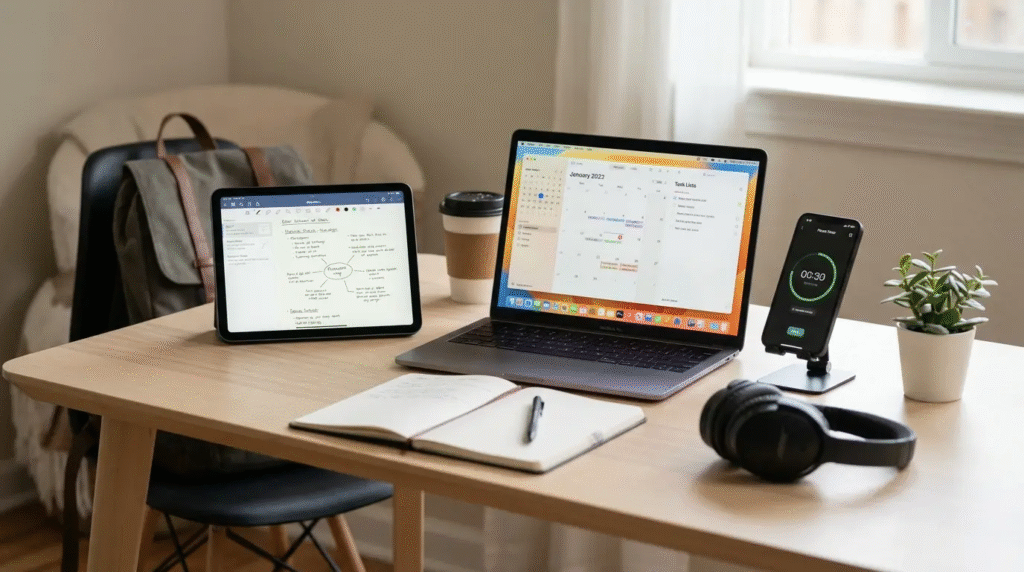
The internet isn’t always reliable. Students who travel by bus, live where the network is weak, or have limited mobile data will find offline access very useful. Some apps let you download lessons, notes, and videos to use later, which is great for travel or for revising without spending data.
Before you download, check whether offline access is included in the free version or only in the premium plan. Also keep in mind how much storage space the downloaded material will take.
7. Don’t Ignore Safety and Privacy
This matters a lot, especially when children are using the app. Some apps ask for personal details during sign-up, so read the privacy policy and understand what information is being collected before you create an account.
Parents should also look for ads, external links, chat features, and in-app purchases. For younger children, parental controls and age-appropriate content are valuable, since they help manage screen time and keep unsuitable material away. A trustworthy app is open about its privacy practices and offers proper safety settings.
8. Explore Popular Educational Apps in 2026
There are plenty of learning platforms for different ages and needs. Rather than picking one just because it’s popular, compare what it offers with your own goals.
Khan Academy
Learn mathematics, science and other school subjects with free lessons.
Duolingo
Learn new languages through short and fun lessons.
Coursera
Explore online courses in technology, business and science.
Quizlet
Improve your revision with flashcards and practice activities.
Google Classroom
Manage assignments and access your study materials easily.
Each of these serves a different purpose, so look at the courses, pricing, and features before deciding which one suits you.
9. Avoid Common Mistakes When Choosing Learning Apps
Lots of students download several apps because someone on social media or a friend recommended them. But more apps doesn’t mean better learning.
One common mistake is picking an app just because it has millions of downloads. Popularity doesn’t guarantee the lessons match your syllabus. Another is ignoring the subscription terms. Some free trials quietly turn into paid plans, so check the payment details before you start. And be careful with apps that make big promises about exam results or guaranteed career success.
Instead of jumping between platforms every few days, pick one or two useful apps and stick to a steady schedule.
10. Build a Healthy Study Routine Around the App
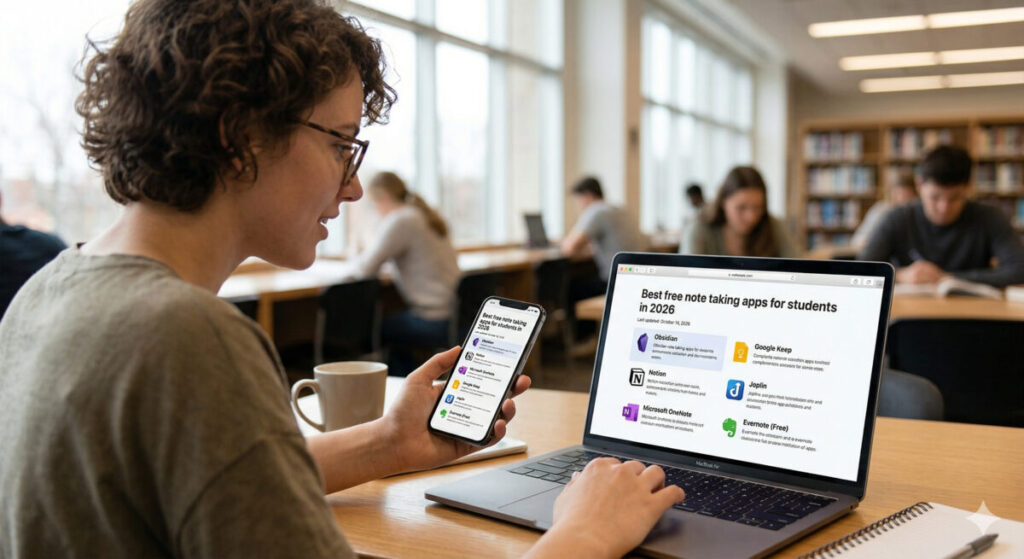
Even the best app can’t replace regular effort. Students need a simple routine that gives time to learning, practice, and revision. For example, 20 minutes watching a lesson, 15 minutes solving questions, and 10 minutes going over mistakes works well.
Short, focused sessions are easier to keep up than hours on the phone with no plan. Take breaks, and switch off unnecessary notifications so your phone stays a study tool during study time and doesn’t pull you towards social media.
Parents can help too. Ask your child what they learned today, and show interest in it, rather than just counting the hours spent on the app.
FAQ’s
1. What are the best educational apps for students in 2026?
Some popular educational apps include Khan Academy, Duolingo, Coursera, Quizlet, and Google Classroom.
2. Are educational apps free for students?
Yes, many educational apps offer free lessons and study materials, although some provide additional paid features.
3. Which educational app is best for school students?
Khan Academy is a useful option for school students who want to improve their understanding of mathematics, science, and other subjects.
4. Can educational apps help improve study habits?
Yes, educational apps can help students practise regularly, revise lessons, complete quizzes, and track their learning progress.
5. Are educational apps safe for children?
Many educational apps offer useful safety features, but parents should check privacy settings, advertisements, and age restrictions before allowing children to use them.